📱
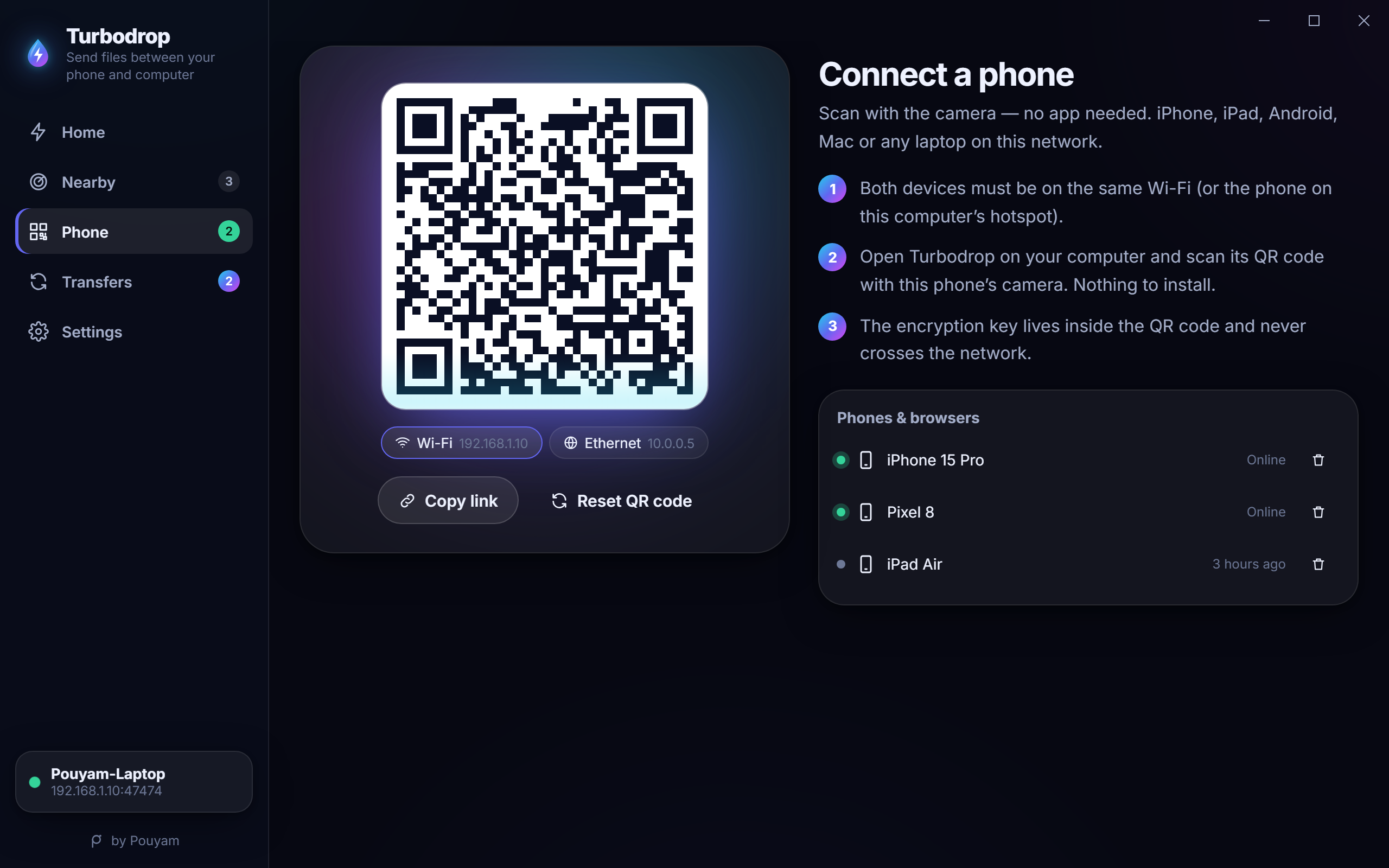
Zero-install phones
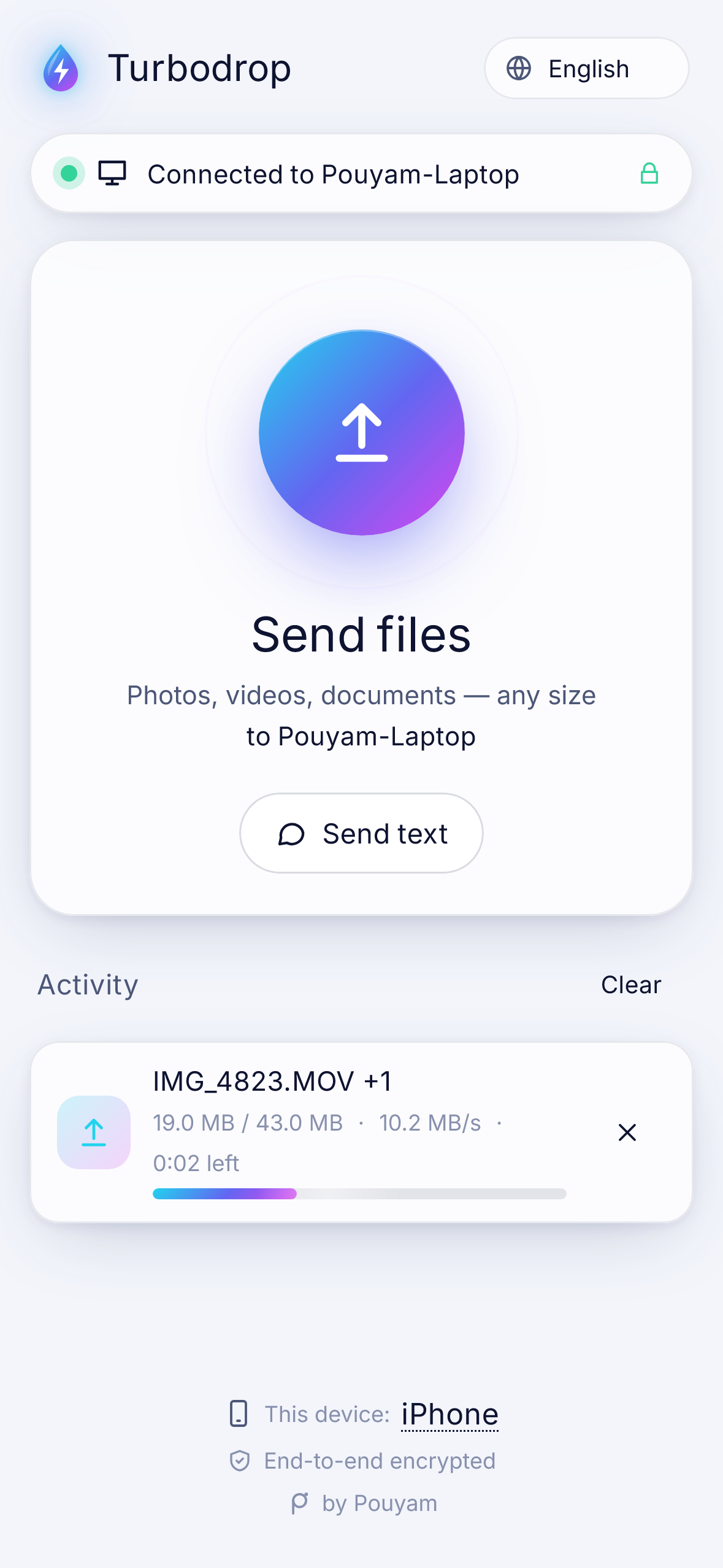
iPhone, iPad and Android send and receive in the browser after one QR scan. Works without the App Store.
 Turbodrop
Send files between Windows, iPhone, Android, Mac and Linux. The phone scans a QR code and sends and receives right in the browser — no app, no account, no cloud, no internet.
macOS · Linux · CLI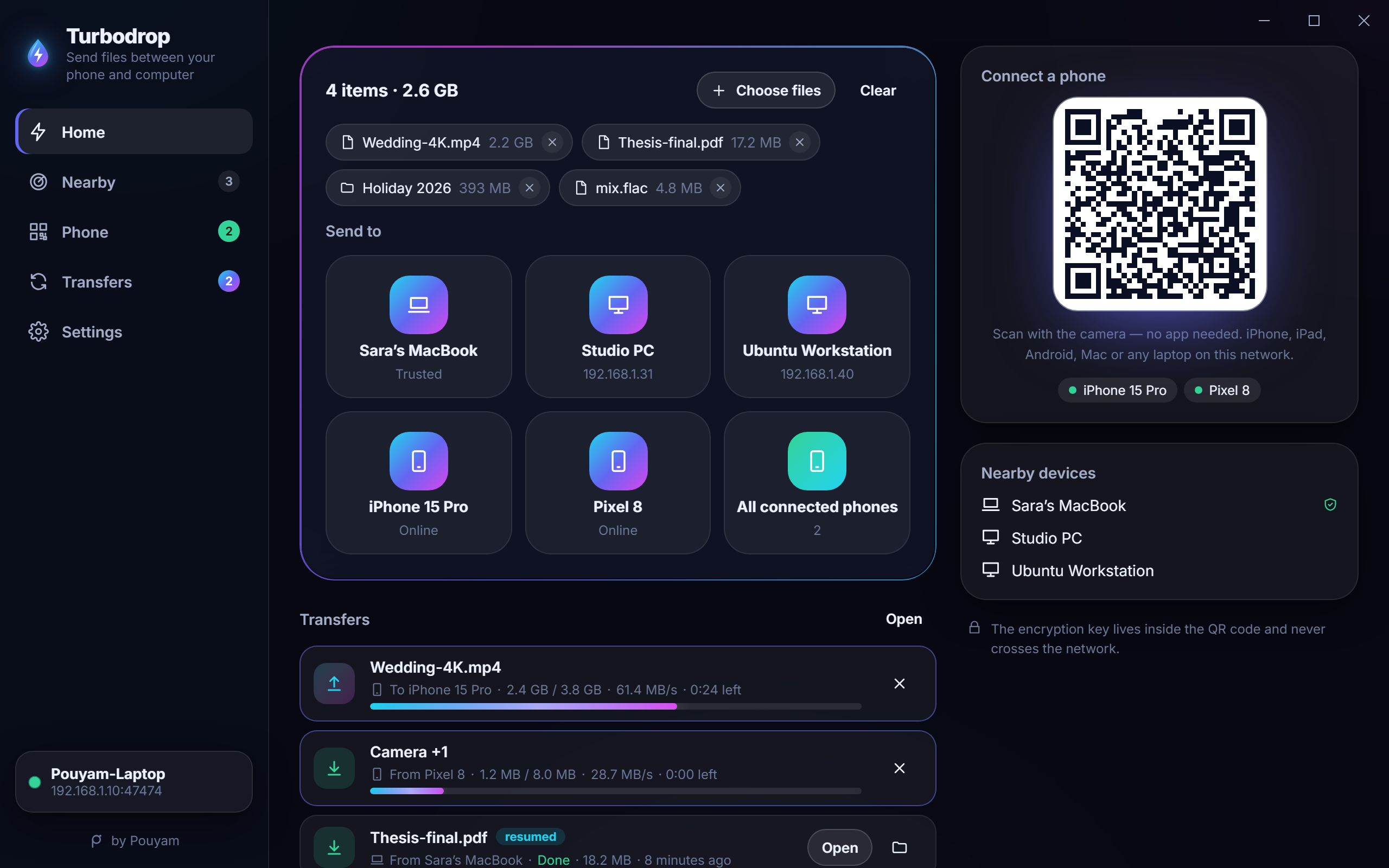
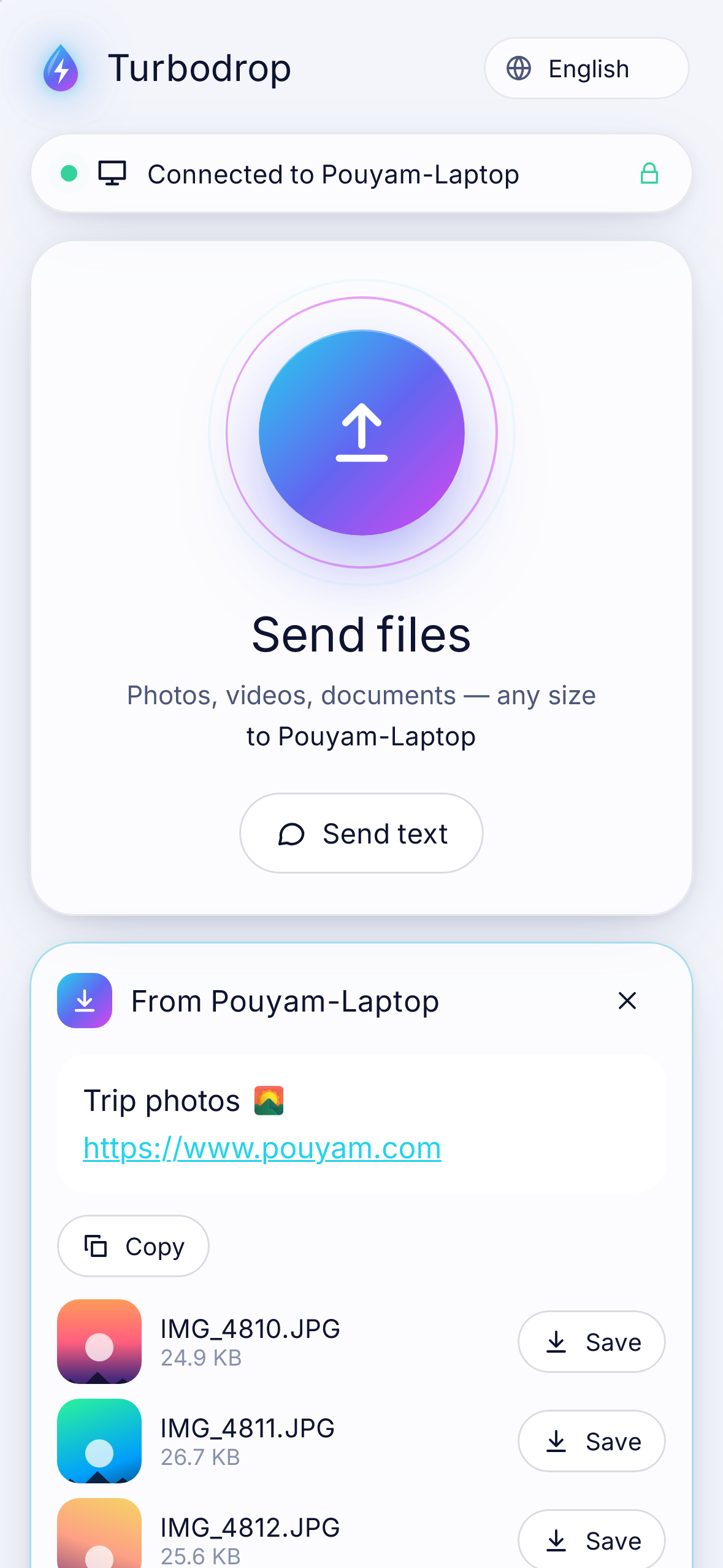
iPhone, iPad and Android send and receive in the browser after one QR scan. Works without the App Store.
Wi‑Fi dropped? Phone locked? App restarted? The transfer resumes from the last chunk.
XChaCha20-Poly1305 on every byte. The key lives in the QR code and never crosses the network.
Send whole folders and keep the structure — on every side.
Fifty photos, one tap on the phone. With previews and long-press to save to Photos.
Already there? Skipped. Same name, new content? Saved next to it, never overwritten.
“Send with Turbodrop” in Windows Explorer, a tray icon, start with Windows, native notifications.
Send a Wi‑Fi password or a link in one click. Links open, text copies.
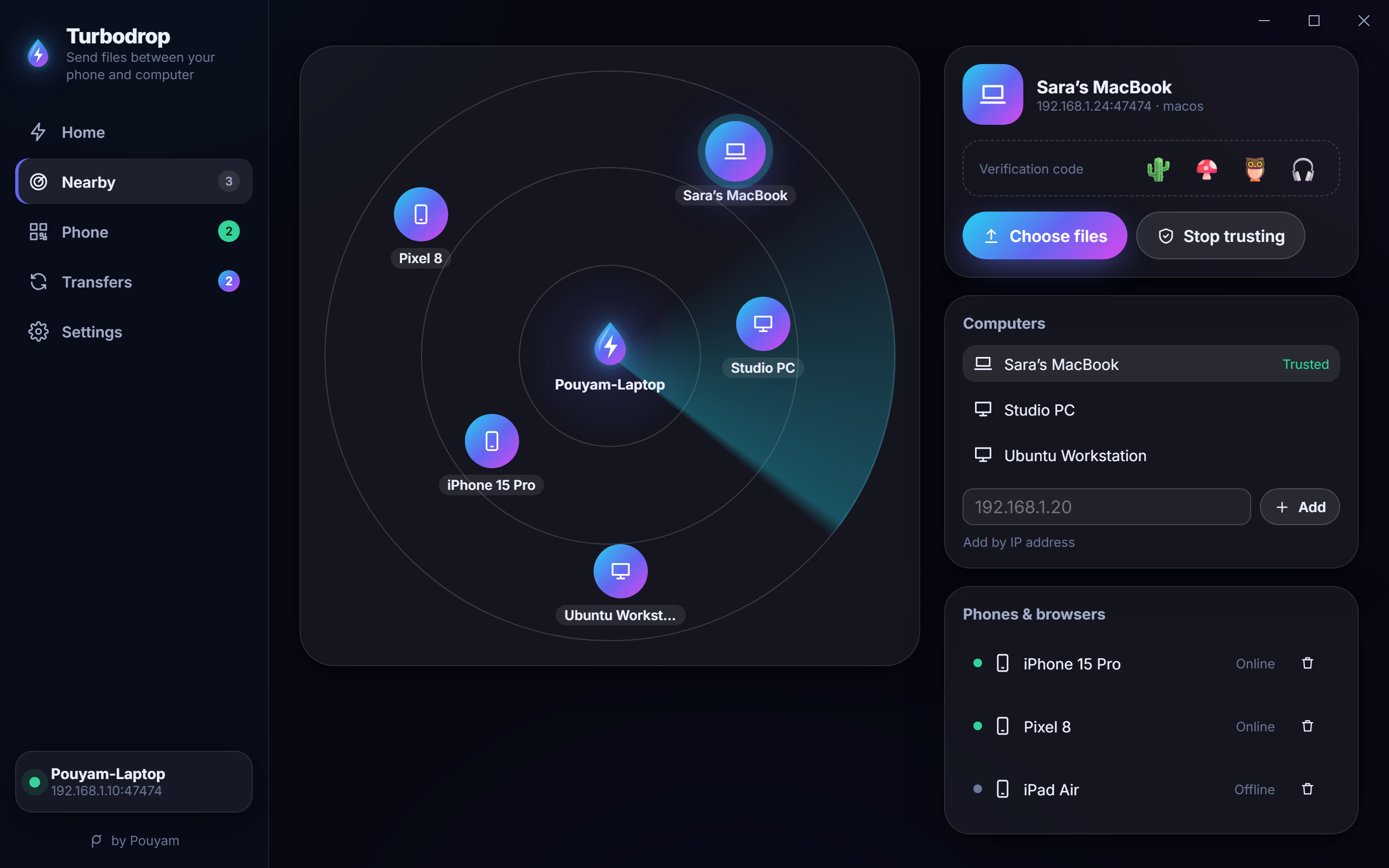
Nearby computers appear on a live radar. QR codes for Wi‑Fi, Ethernet, hotspot and Tailscale.
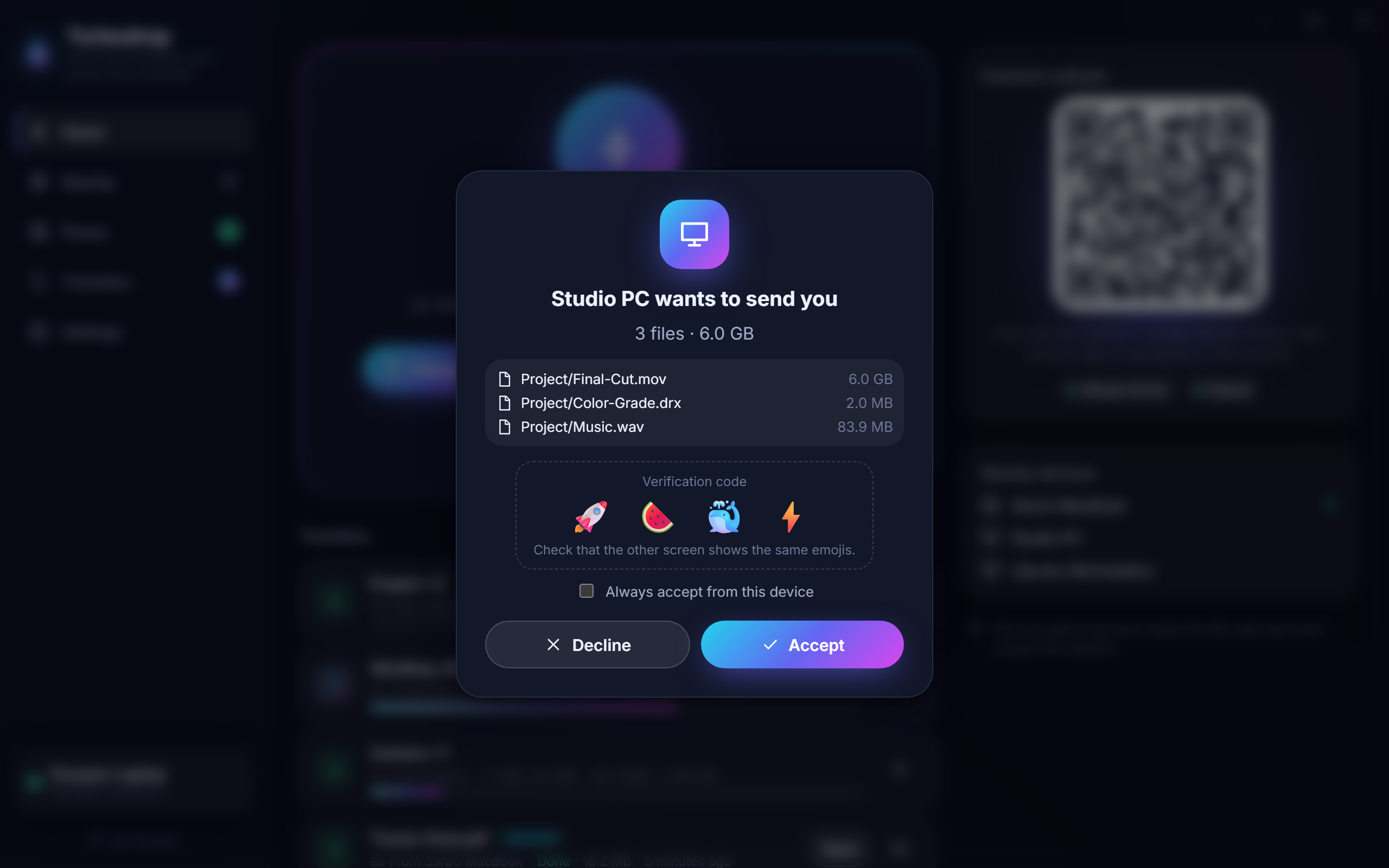
Approve unknown devices, compare a 4-emoji code, trust your own machines.
Including Persian and Arabic with full right-to-left layouts and native digits.
QR code in the terminal, JSON output, Windows/macOS/Linux. Script your transfers.
Windows app, or the CLI on macOS/Linux.
Same Wi‑Fi, or the computer’s hotspot.
They fly over, encrypted, at full Wi‑Fi speed.
| Turbodrop | LocalSend | PairDrop / Snapdrop | |
|---|---|---|---|
| Phone without installing anything | ✓Send and receive | ~Browser can only download, one file at a time | ✓ |
| Works without internet | ✓ | ✓ | ✕Needs a signaling server |
| Resume after a dropped connection | ✓ | ✕Requested (#1191) | ✕ |
| Skip files already there | ✓ | ✕Requested (#443) | ✕ |
| Send folders | ✓ | ✓ | ✕ |
| Save all as ZIP on the phone | ✓ | ✕ | ✕ |
| No certificate warnings in the browser | ✓ | ~Self-signed HTTPS warning | ✓ |
LocalSend is excellent when both sides have it installed. Turbodrop is for when the other side has nothing.
Install Turbodrop on the PC, open the Phone tab and scan the QR code with the iPhone camera. Tap “Send files”, pick the photos — they land in Downloads\Turbodrop. No iTunes, cable, cloud or App Store app.
It’s MIT-licensed open source by Pouyam. No ads, no accounts, no tracking, no servers — your files never leave your network.
No. Only a shared local network: Wi‑Fi, Ethernet, or the PC’s mobile hotspot.
Every byte is encrypted end-to-end with XChaCha20-Poly1305. Computers pair with X25519 and show an emoji code. Read the full threat model on GitHub.
It resumes. Turbodrop moves files in 4 MiB chunks and remembers where it stopped, even across app restarts.
Yes — connect both phones to Turbodrop on a computer and send through it, or send between phone and computer directly.